
To implement the Pop-up you would need to add the script to your Master template following the steps below:
- Go to “Settings” on your Umbraco admin page.
- In the Settings menu choose “Templates” – your “Master template”.
- Using the code editor add the Pop-up script to the <head>.
<script id="CookieConsent" src="https://policy.app.cookieinformation.com/uc.js" data-culture="EN" type="text/javascript"></script>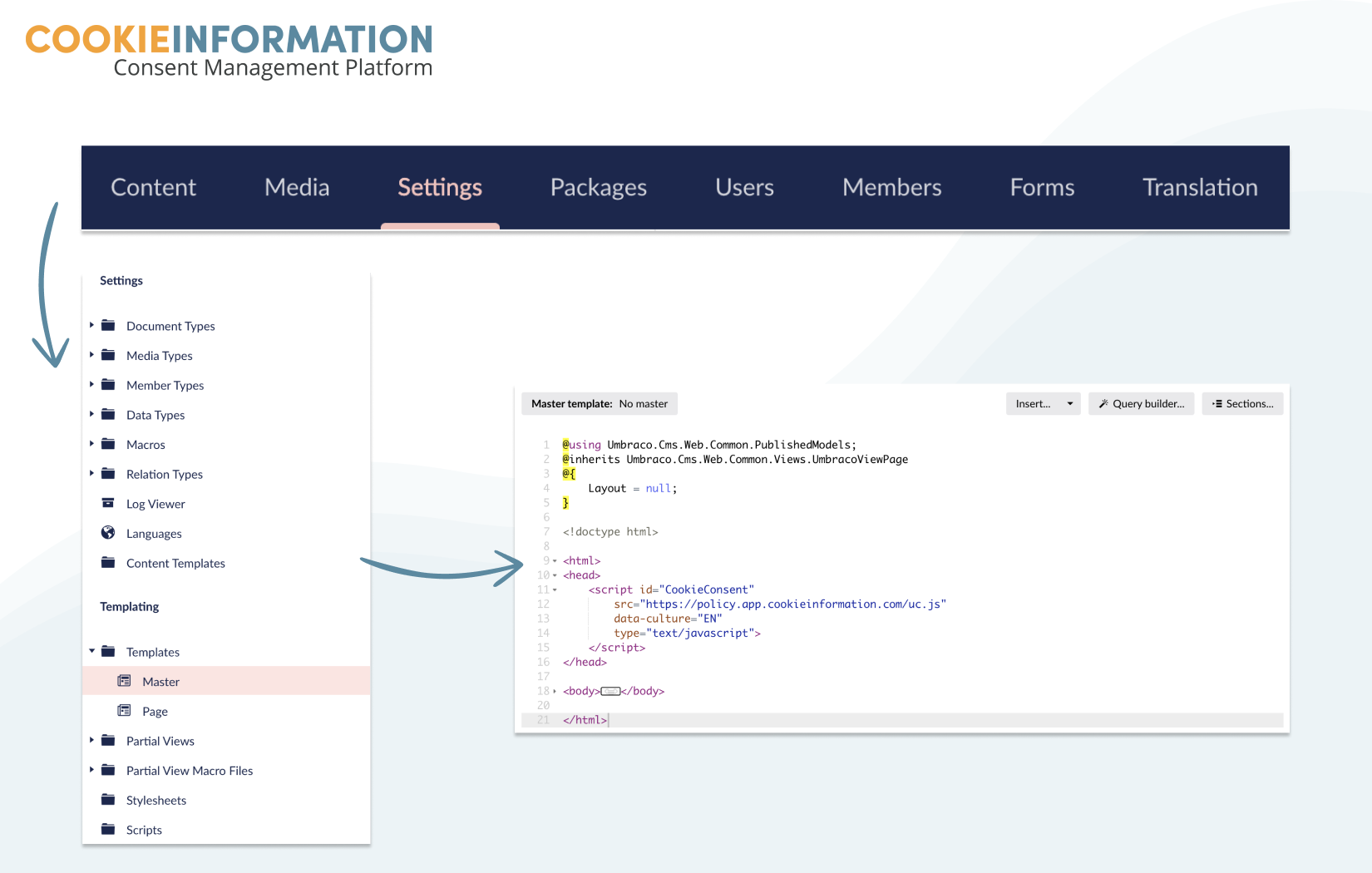
If you do not have a master template already you can create one following Umbraco guides. You can read more about master templates here and templates in general here.


