
Our default consent popup templates and privacy policy text have heading (H) tags, which you can edit. In this article, we’ll show you how to do it.
Remove the heading tags in the consent popup
To remove the heading tags from the consent popup templates, follow these steps:
1. Log in to Cookie Information.
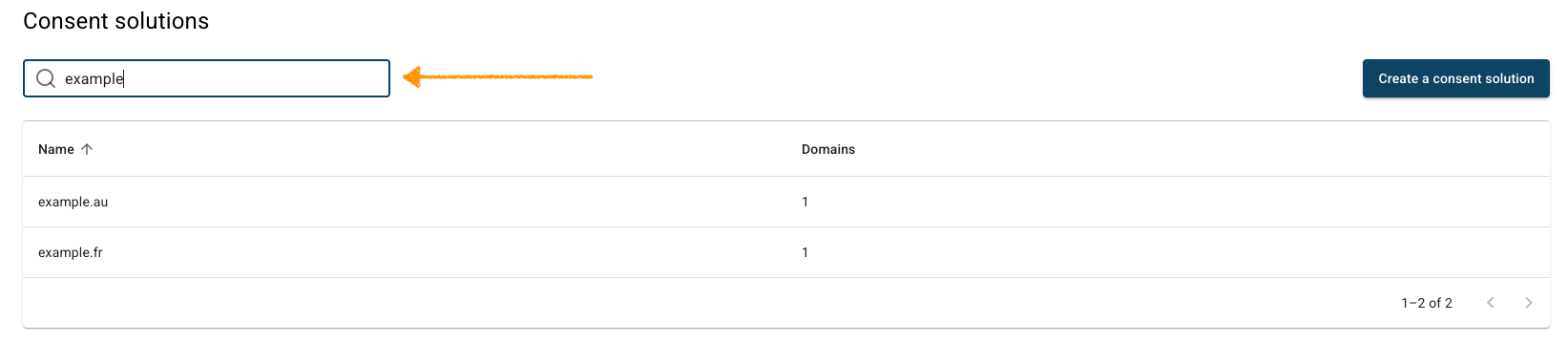
2. In Consent solutions, findthe consent solution you want to remove the heading tags from the popup.
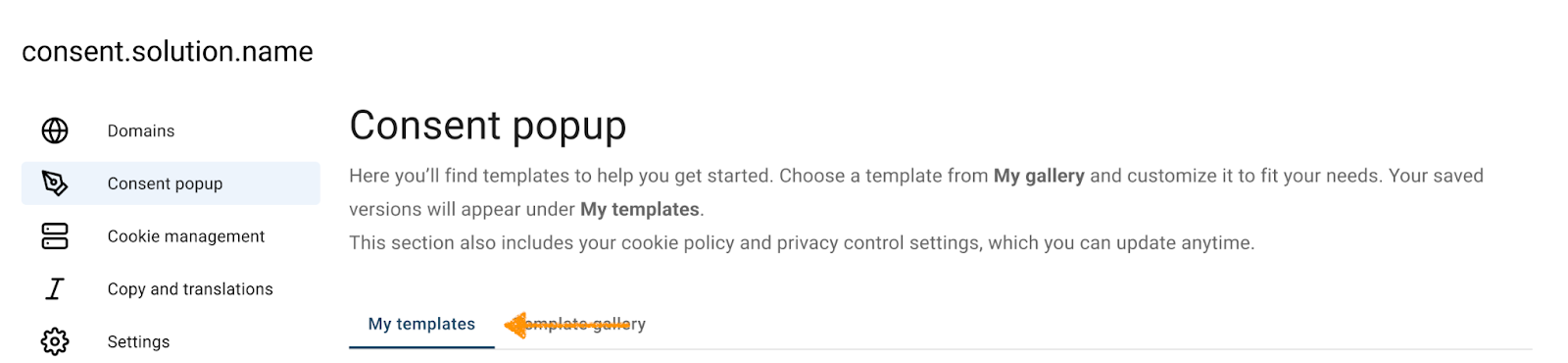
3. Go to Consent popup > My templates.
4. Click the ⋯ three-dot icon next to Overlay v2 – Google Consent Mode v2, and click Edit.

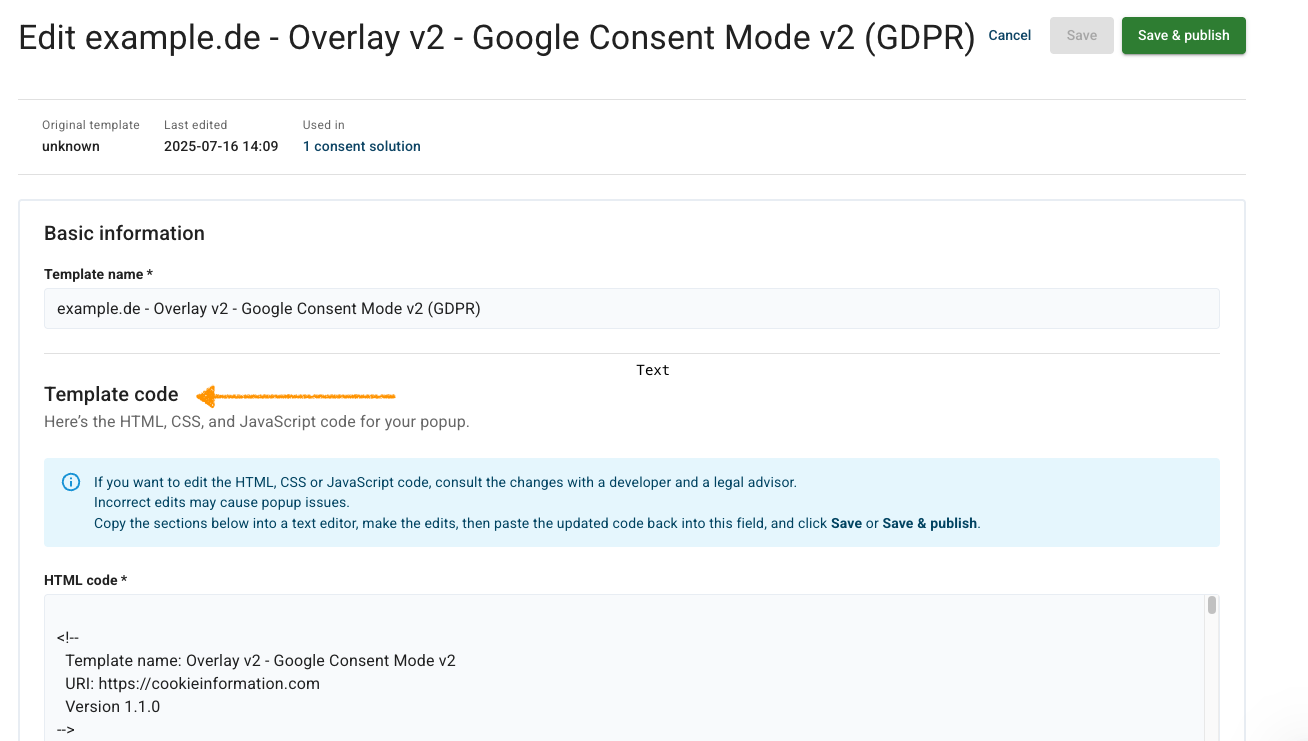
5. Go to Template code.
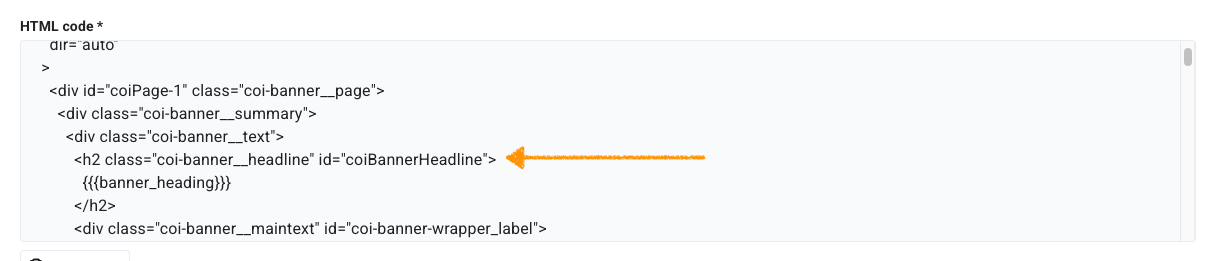
6. In HTML code, change the h2 tags to an element of your choice, for example <p>.
7. Click Save and publish.
8. Done.
Remove the heading tags in the privacy policy
To remove the heading tags from the privacy policy, follow these steps:
1. Log in to Cookie Information.
2. In Consent Solutions, findthe consent solution you want to remove the heading tags from.

3. Go to Copy and translations > Edit copy.
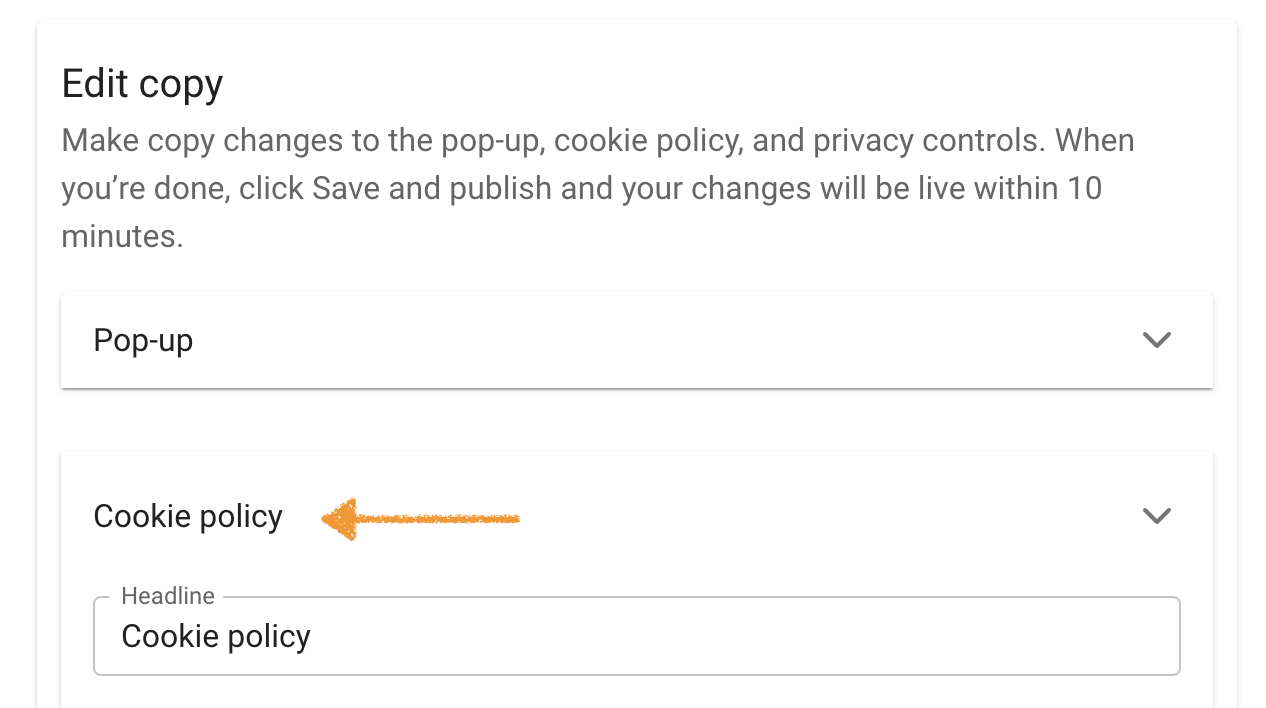
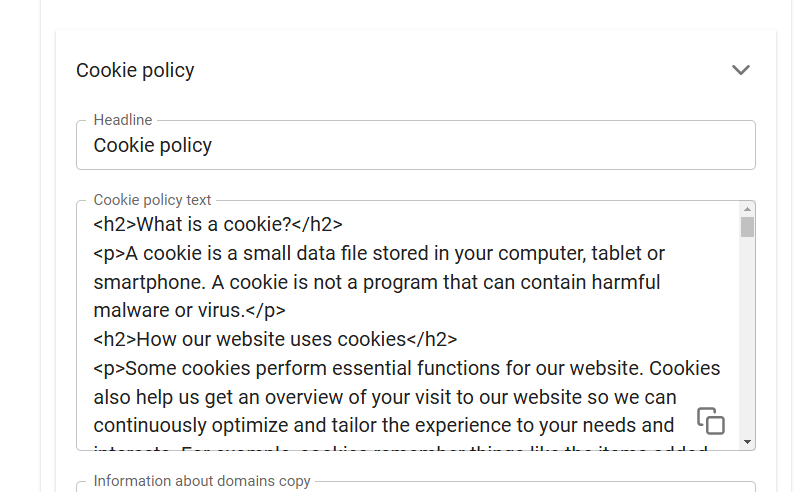
4. In Cookie policy, change the h2 tags to an element of your choice, for example <p>.
5. Click Save and publish.
6. Done.


