
When you want to assign a data processor to your cookies, but you can’t find them in the list, you need to add them.
In this article, we’ll show you how to do it.
Before you start
Here are some important things to keep in mind before you start:
- You must add a data processor to save the cookie classification.
- You need to include a data processor to inform users about who handles their data and to gather their consent. A data processor is a company or person that processes personal data on behalf of a data controller.
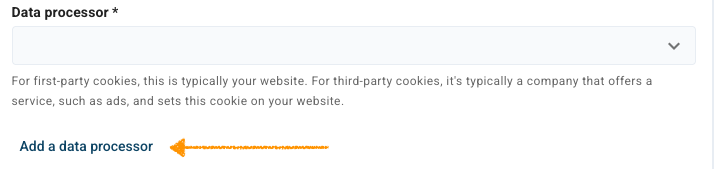
For first-party cookies, a data processor is typically your website. For third-party cookies, it’s typically a company that offers a service, such as ads, and sets this cookie on your website.
Add a data processor
To add a data processor, follow these steps:
1. Log in to Cookie Information.
2. Go to Consent solutions.
3. Find the consent solution with where you want to add a data processor.
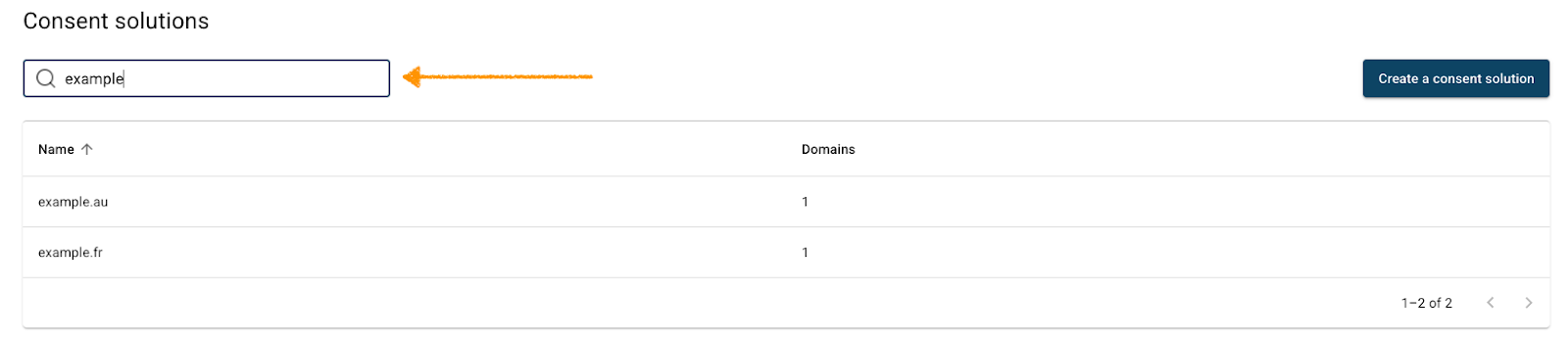
4. Navigate to Cookie management.
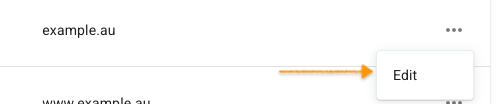
5. Find the cookie you want to add a data processor to.
6. Click the ⋯ three-dot icon next to the cookie name, then click Edit.
7. In Data processor, click Add a data processor.
8. In Add a data processor, fill in Data processor name*.
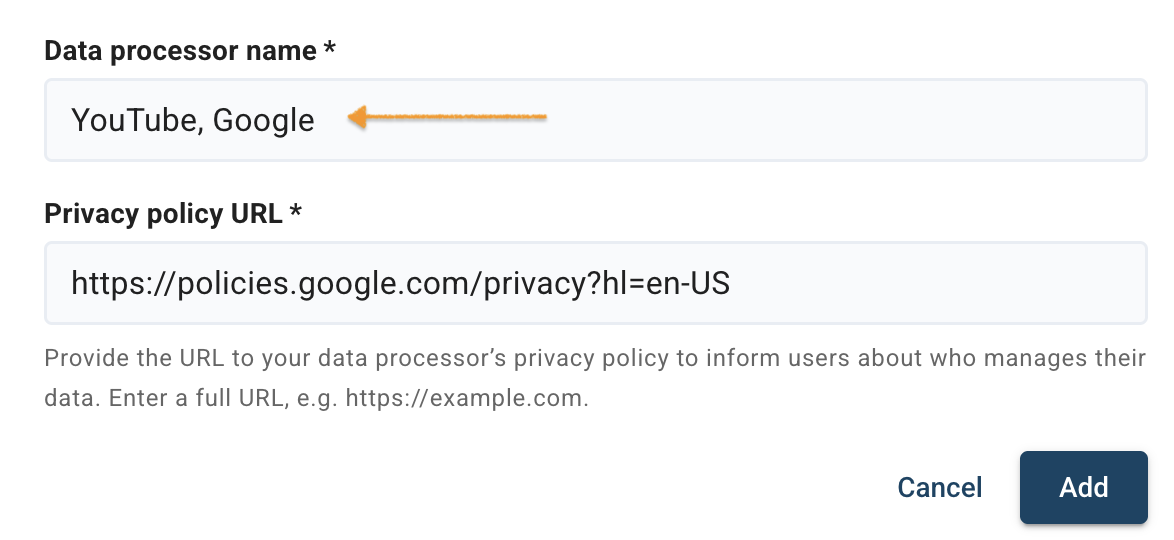
9. Fill in Privacy policy URL* with a full URL, e.g. https://example.com.
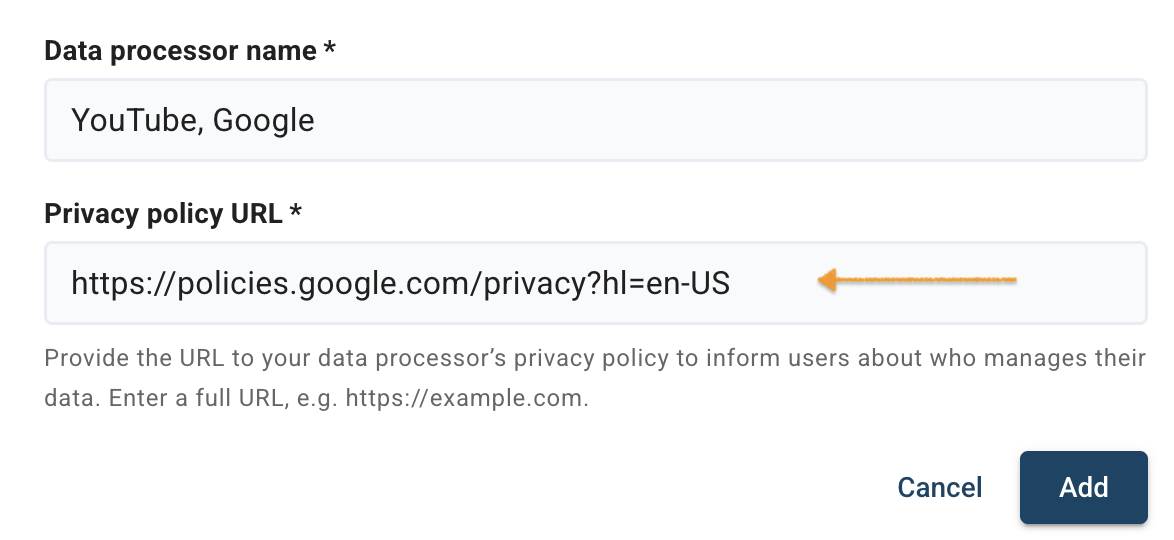
Note: Provide the URL to your data processor’s privacy policy to inform users about who manages their data.
10. Click Add.
11. All set.


