
You can turn on notifications when our scanner finds unclassified cookies in your consent solution. In this article, we’ll show you how to do it.
Before you start
Here are a few things to know before you start:
- After a website scan (priority or full), you’ll get an email if the scanner found any unclassified cookies.
- You’ll get a separate email for each consent solution. Each email includes the consent solution name and the number of unclassified cookies found.
Turn on email notifications
To turn on email notifications, follow the steps:
1. Log in to your Cookie Information account.
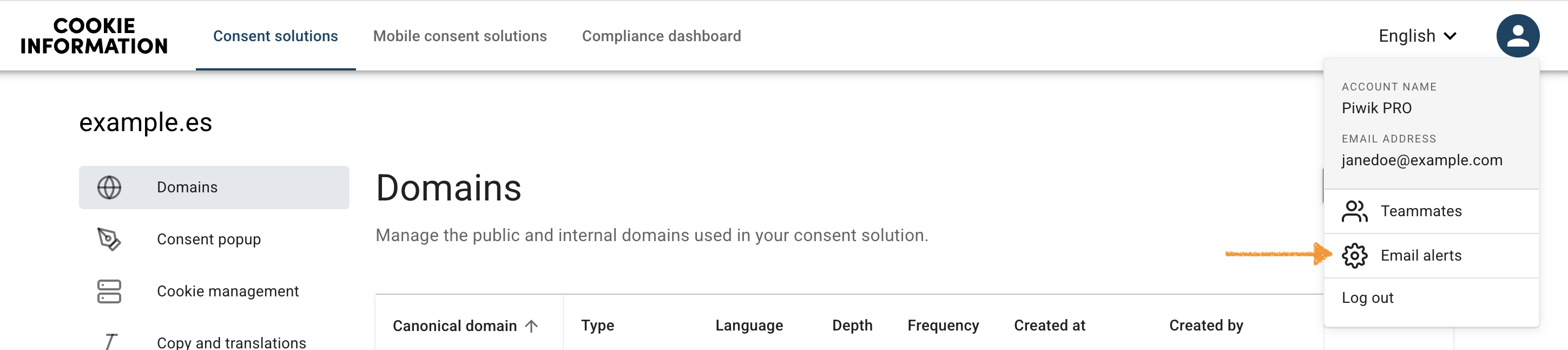
2. Under the user profile icon, click Email alerts.
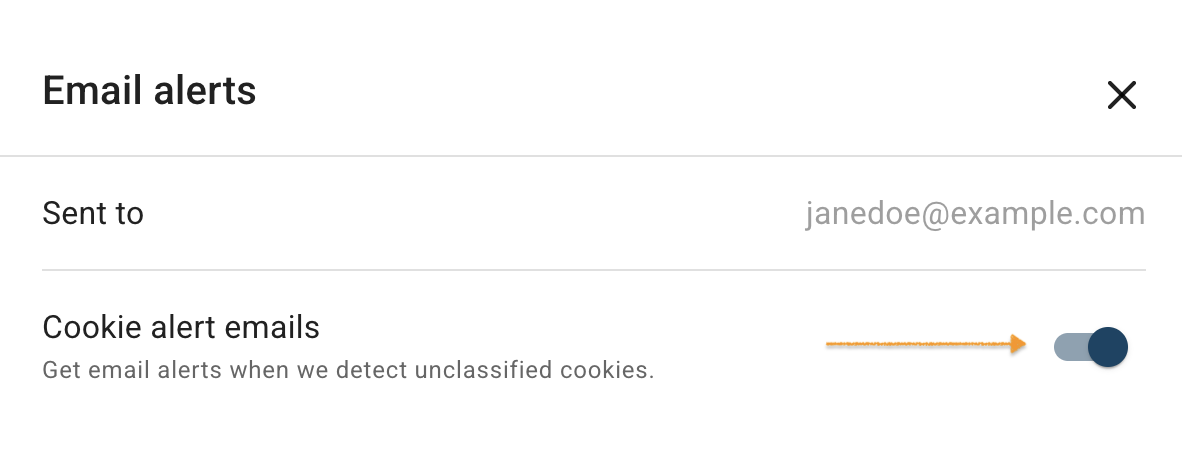
3. In Email alerts, turn on the notifications toggle.
4. All done.


