
You can delete a domain if you no longer want to use it. In this article, we’ll show you how to do it.
Before you satart
Here are a few things to know before you start:
- You can add, edit, or delete domains. Each action can affect your Cookie Information setup and billing. Public test and internal test domains are free of charge.
- You can’t delete the last domain in your only consent solution.
Delete a domain
To delete a domain, follow these steps:
1. Go to Consent solutions.
2. Find the consent solution where you want to delete the domain.
3. Go to the domain you want to delete.
4. Click the trash icon.

Note: You can’t delete the last domain in your only consent solution.
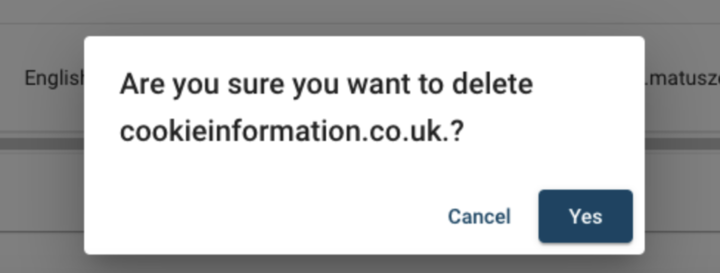
5. Confirm you want to delete this domain.
6. Done.


