
If you’re a reseller partner, you’ll receive a 20% discount code to use when creating your subscription. Your discount code should have been included in your onboarding email which you received when you created an account.
How to apply your discount code:
- You can create a subscription by following the simple steps in our guide: Subscribe after a trial
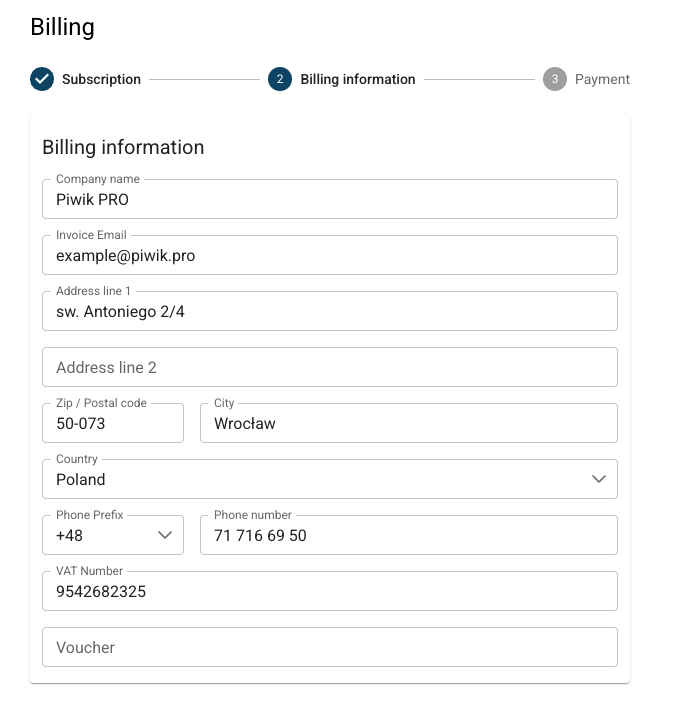
- In Step 6 of the guide, you’ll be asked to insert your billing information.
- At the bottom of this section, there is a voucher field.
- Input your referral discount code into the voucher field and continue with the remaining steps.
Please note: The discount voucher is only valid for your account and cannot be shared with end clients.
If you haven’t received your discount code or the discount code isn’t working, please reach out to us at support@cookieinformation.com. We will be able to help you apply the discount to your subscription.


