
You’ll receive your latest invoice or receipt at the email you use for billing. In most cases, you can also view and download it directly from your billing portal.
If you don’t see your invoice in the billing portal, don’t worry – some customers receive invoices by email only.
To access your invoices in the billing portal, follow these steps:
- Log in to Cookie Information.
- Under the user profile icon, click Billing. You’ll be redirected to the Cookie Information Customer Portal.
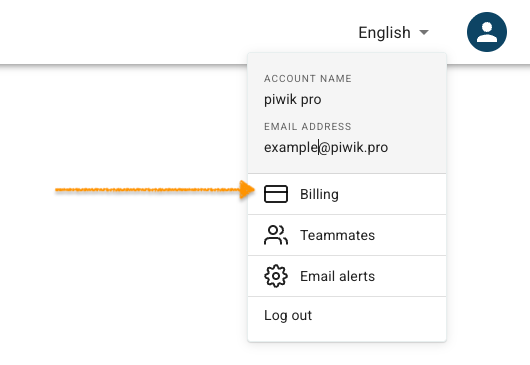
Note: You can also access the customer portal by logging into the account at Cookie Information billing portal.
- In OUTSTANDING, you can find unpaid invoices.
- Go to INVOICE HISTORY, to find all invoices.

- Done


