
You can update your billing contact details in the customer portal. In this article, we’ll show you how to do it.
Update your billing contact details in the customer portal
To update your billing contact details, follow these steps:
- Log in to Cookie Information.
- Under the user profile icon, click Billing. You’ll be redirected to the Cookie Information Customer Portal.
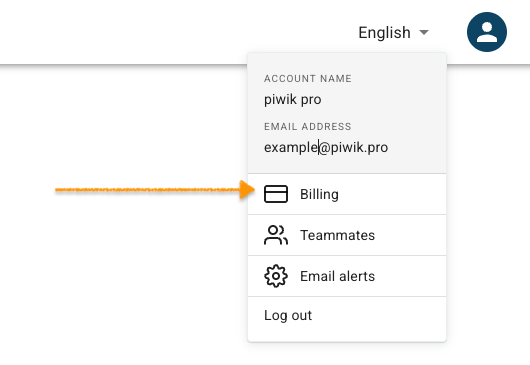
Note: You can also access the customer portal by logging into the account at Cookie Information billing portal using tge email address for your Cookie Information account.
- Go to Billing information.
- Click Update Information.
You can update the following billing details:
- Name
- Address
- Phone Number
- Tax ID/VAT ID
- Click Save after making the necessary updates.
- All set.


