
Payment failures usually happen because:
- Your card has expired.
- Your card provider requires a verification step that wasn’t completed.
To update your card, follow these steps:
- Log in to the Cookie Information billing portal.
- Go to PAYMENT METHOD.
- Click X next to your card to delete it.
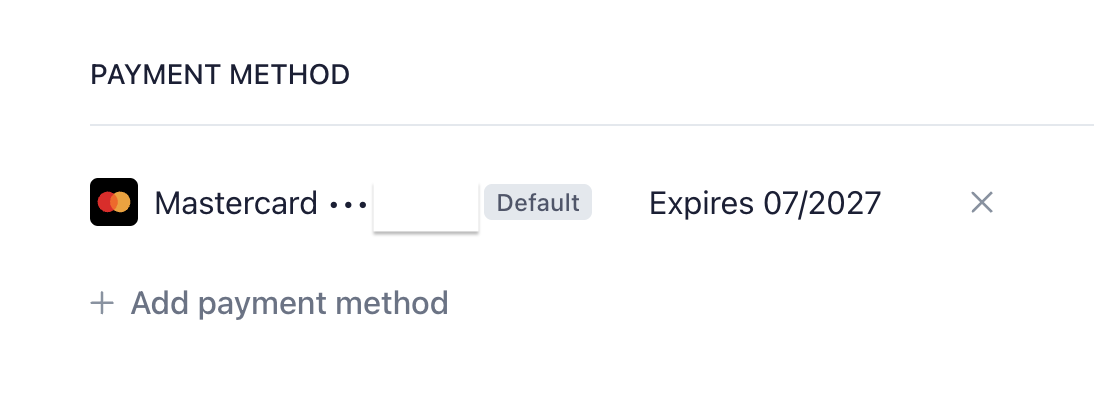
- Click Delete payment method.
- Click Add payment method.
- Fill out the form with all payment details.
- Click Add.
- Confirm adding the card in your banking app.
- Done.
If you’re still having issues with your payment, contact our support team via chat or email at support@cookieinformation.com.


